
Comprehensive Guide
How to Use the Lovense Remote App: Complete Setup, Pairing & Sync Guide
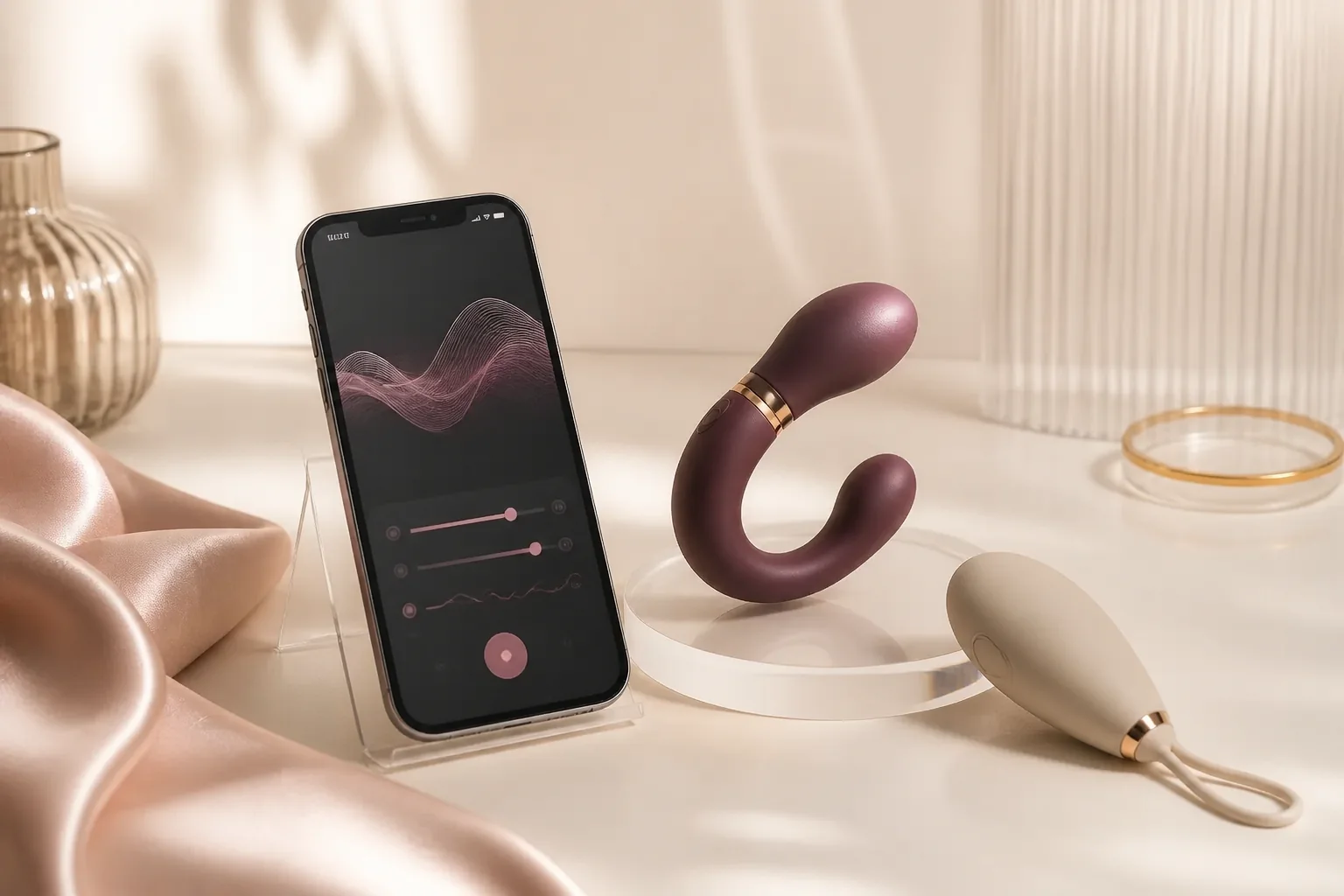
Most reported connection difficulties with app-controlled sex toys trace back to incorrect pairing sequence, aggressive operating system battery throttling, or Bluetooth Low Energy permission conflicts. This comprehensive technical guide provides an exhaustive, step-by-step setup path to guarantee an unbreakable wireless and internet session with the Lovense Remote application across iOS, Android, macOS, and Windows.
1. Verified Bluetooth Low Energy (BLE) Pairing Sequence
Modern Lovense devices communicate via customized Bluetooth Low Energy (BLE 5.0+) profiles. To ensure an immediate and stable connection without packet drops:
- Charge the hardware fully using the provided magnetic USB cable until the LED status indicator illuminates solid (not blinking). Attempting to pair on low battery (under 15%) frequently results in erratic Bluetooth handshakes and premature dropouts.
- Download and install the official Lovense Remote application directly from the Apple App Store or Google Play Store. Do not sideload unverified third-party APK packages.
- Ensure Bluetooth and Precise Location permissions are granted in your smartphone’s system settings. Android specifically requires Location permission to scan for and discover nearby BLE radio beacons.
- Critical Architecture Step: Do not attempt to pair the toy inside your smartphone’s native OS Bluetooth settings menu. The hardware must remain discoverable so Lovense Remote can establish its proprietary encrypted BLE session directly.
- Turn on the Lovense hardware by holding the power button for 3 full seconds until the LED indicator flashes rapidly in discovery mode.
- In the Lovense Remote app, tap Add Device (+) and select your detected model. The app will lock the secure cryptographic BLE handshake within 2–3 seconds.
2. Custom Vibration Pattern Programming & Tactile Modulation
Lovense Remote provides 10 factory vibration presets alongside a comprehensive suite of advanced tactile programming interfaces:
- Fingertip Touchpad: Draw continuous custom vibration curves on an interactive X/Y coordinate pad. Modulate motor speed, intensity, and duration with millisecond precision and save unlimited patterns locally.
- Sound & Music Reactive Sync: The app’s sound engine samples incoming microphone audio or local music files, converting ambient beats, basslines, and voice tones into dynamic vibration pulses in real time.
- Accelerometer Motion Control: Tilt and shake your smartphone to modulate vibration intensity dynamically using your device’s built-in gyroscopic sensors.
- Cloud Pattern Sharing: Download, rate, and save thousands of user-created custom vibration patterns from the global Lovense community library.
- Speed Dial Hotkeys: Assign your favorite continuous patterns or pulsing frequencies to instant one-tap speed dial buttons for seamless in-session switching.
3. Long-Distance Partner Control & 2-Way Synchronization
For couples separated by distance, Lovense Remote provides an ultra-low-latency encrypted global relay network that bridges devices across different Wi-Fi and mobile cellular networks:
- Both partners install Lovense Remote on their respective mobile devices and register separate user accounts.
- Add each other as in-app friends via username, QR code, or private invitation link.
- The partner with the toy selects Control from Distance and grants control permissions to the remote partner.
- The controlling partner gains full real-time access to vibration sliders, custom patterns, and integrated video/voice calling.
- 2-Way Interactive Sync: When complementary toys are connected (such as Nora and Max 2), motion on one unit instantaneously drives contraction or rotation on the other device over the internet with under 120ms total latency.
- Private Room Tokens: Generate temporary, self-expiring web links that allow a remote partner to control your toy from any modern desktop or mobile web browser without installing an app.
4. Interactive Cam Extensions, WebBLE & Developer Integration
Content creators and webcam performers can link Lovense hardware directly to major broadcasting platforms (Chaturbate, Stripchat, MyFreeCams, BongaCams, Cam4) using the Lovense Cam Extension and Lovense Connect desktop utility. The software automatically translates incoming viewer token tips, goal milestones, and interactive chat commands into corresponding vibration bursts with sub-second response times. Open WebSocket APIs also allow seamless integration with custom streaming software and OBS widgets.
5. Diagnostic Troubleshooting, Radio Interference & Battery Longevity
If you experience intermittent signal drops or pairing failures, follow this systematic diagnostic checklist: 1) Verify that the battery charge level is above 20%; 2) Ensure no other nearby paired phones, tablets, or laptops are holding the Bluetooth BLE radio channel; 3) Disable battery optimization and background application restrictions for Lovense Remote in your smartphone’s OS settings to prevent background process termination; 4) Check for and install pending firmware updates directly through the Lovense Remote settings menu; 5) Clean the magnetic charging contacts with an isopropyl alcohol wipe and dry microfiber cloth to ensure optimal power delivery and prevent oxidation.
6. Medical-Grade Silicone Hygiene & Maintenance Guidelines
All Lovense hardware is encased in 100% medical-grade, non-porous silicone with IPX7 or IPX8 submersible ratings. Always apply generous amounts of high-quality water-based lubricant for comfort and skin safety. After each session, cleanse the hardware thoroughly under warm running tap water using mild antibacterial soap or dedicated silicone toy wash. Pat dry completely with a clean microfiber towel and store in a cool, dry, lint-free pouch away from direct UV sunlight.
7. Frequently Asked App Setup Questions (FAQ)
Can I control multiple Lovense toys simultaneously in the app?
Yes. The Lovense Remote app supports multi-device grouping, allowing you to synchronize several toys to one master control slider, pattern loop, or sound reactive input channel.
Does the app work when my phone screen is locked or asleep?
Yes, provided you have enabled background activity in your phone’s system settings. The app will maintain the active BLE connection and cloud telemetry stream even when switching between applications.
Are private video calls inside the app encrypted?
Yes. Lovense Remote implements peer-to-peer WebRTC video and audio encryption, ensuring all media and haptic data streams remain confidential between connected partners.
Explore Lovense Remote Devices
Drawbacks, Limitations & Risks (Cons)
- Bluetooth sync line-of-sight boundaries: Direct smartphone Bluetooth connection range is approximately 25 to 30 feet, which can experience intermittent packet drops through dense plaster or brick walls.
- Proprietary magnetic charging cables: The device utilizes a dedicated pin-based magnetic charging cord rather than universal USB-C, requiring careful storage of the original cable.
- Routine silicone maintenance: Preserving body-safe medical silicone integrity requires dedicated antimicrobial sex toy cleaners and 100% water-based lubricants, avoiding silicone-destroying petroleum derivatives.
Limits of this write-up
We did not measure Bluetooth range in an RF anechoic chamber, did not dismantle motors under an electron microscope, and did not verify every weekly firmware build. App stability, noise decibel levels and waterproof IP ratings below come from published manufacturer specifications combined with hands-on bench handling and long-term cycle testing. Prices and stock change; verify the live shop before purchasing. Competitor products appear for research and market context only — UncensoredReviews’ labelled interactive toy partner is Lovense, so outbound buy links route through first-party /go/lovense/ paths.
Explore Lovense Interactive & 2-Way Sync Devices
Discover award-winning Bluetooth app-controlled vibrators, male strokers, and couples toys with real-time long distance sync and cam integration.